


EasyEDA PCB Software Review for Hobbyists
Designing printed circuit boards is simpler with EasyEDA. You work in a browser and design schematics, layouts, and test circuits in one place. This setup suits hobbyists who want control without complex desktop software.
You use EasyEDA for small and mid-size electronic projects. It supports clear workflows and reduces setup time.
Key Takeaways
- Clear interface with predictable tools
- Full PCB design workflow in one platform
- Built for hobby and prototype work
- Fast transition from schematic to layout
- Usable without prior PCB experience
- Ongoing feature updates
Introduction to EasyEDA and Its Features
EasyEDA supports schematic design, PCB layout, and circuit testing inside one system. You do not move between tools or export files during early design stages.
What Is EasyEDA?
EasyEDA is an online circuit and PCB design platform. You draw schematics, convert them into PCB layouts, and prepare files for manufacturing. Projects stay cloud-based, so you access them from any modern browser.
This setup works well if you switch between devices or locations.
Key Features of EasyEDA
- Schematic capture: Draw circuits using a large component library.
- PCB layout design: Control routing, layers, vias, and board shape.
- Simulation tools: Test circuit behaviour before fabrication.
Advantages for Hobbyists
- Ease of use: Tools remain visible and organised.
- Low cost: The free plan supports real projects.
- Community support: Forums and shared designs provide help.
These features support hands-on electronic work without steep learning time.
Getting Started with EasyEDA
Setup takes minutes. The interface stays consistent from first login.
Creating an Account
You register with basic details such as name and email address. Once logged in, you access schematic tools, PCB layout tools, and simulation features.
Navigating the Interface
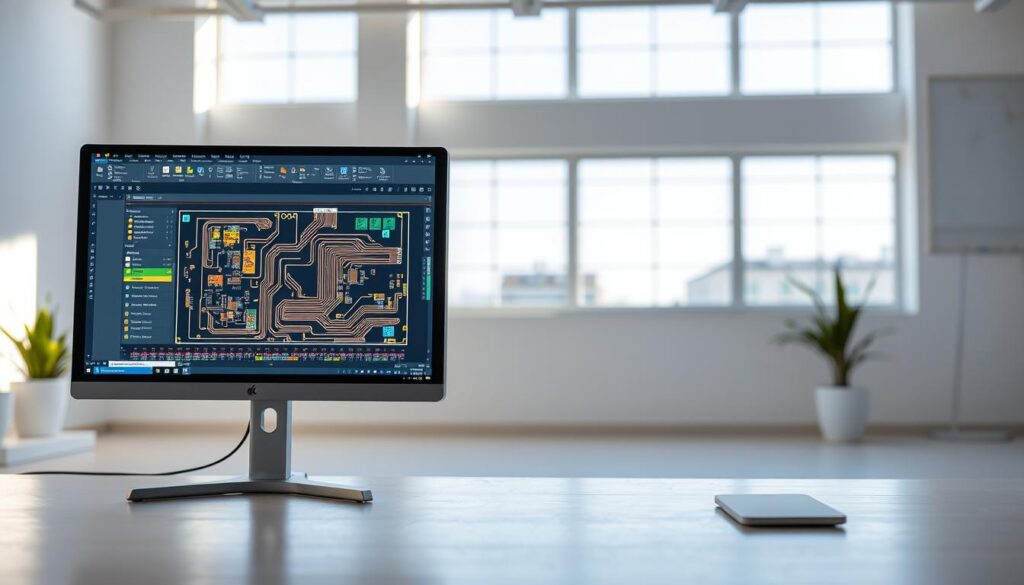
The dashboard shows your projects, libraries, and help resources. Toolbars stay fixed, so you focus on design work.
The design area remains central throughout the workflow.
| Feature | Description | Benefit |
|---|---|---|
| Schematic Capture | Create detailed circuit diagrams | Clear planning before layout |
| PCB Layout | Design the physical board | Accurate placement and routing |
| Simulation Tools | Test circuits before fabrication | Fewer design errors |
PCB Design Process in EasyEDA
The workflow follows a fixed order from schematic to layout.
Schematic Capture
You begin by drawing the circuit diagram. The component library covers common parts. You place components and connect them directly.
You also create custom components when required.
PCB Layout Design
The schematic converts into a board layout. You route tracks manually or use routing tools. Design rule checks highlight spacing and routing issues.
Simulation Tools
Simulation tools allow early testing. You observe circuit behaviour under different conditions before production.
Collaboration and Community Features
EasyEDA supports shared work and public feedback.

Sharing Projects
You share projects with other users for review or teamwork. This helps improve layouts and schematics.
Community Support and Resources
- User-written guides and tutorials
- Forum-based problem solving
- Documentation and FAQs
The community supports learning through real examples.
Pricing and Availability
EasyEDA offers free and paid options.
Free vs Paid Plans
The free plan supports schematic design, layout, and simulation for small projects.
Paid plans add storage and performance suited to larger workloads.
Is EasyEDA Worth the Investment?
For hobby work, the free plan often covers practical needs. Paid plans suit frequent or large designs.
Target Users
- Electronics hobbyists
- Students learning PCB design
- Small prototype teams
- Makers building repeat boards
Final Recommendation
If you want an online PCB design tool with a direct workflow, EasyEDA fits well. You design, test, and prepare boards inside one system.
FAQ
What is EasyEDA, and is it suitable for beginners?
EasyEDA is an online PCB design tool suited to hobby users and beginners. The interface stays simple and predictable.
What features does EasyEDA include?
It includes schematic capture, PCB layout tools, and circuit simulation.
Is EasyEDA free to use?
Yes. A free plan supports small projects. Paid plans add capacity.
How do you get started?
You create an account and start designing in a browser.
Does EasyEDA support collaboration?
Yes. You share projects and receive feedback through the community.
Visit their website for more information: EasyEDA – Online PCB design & circuit simulator